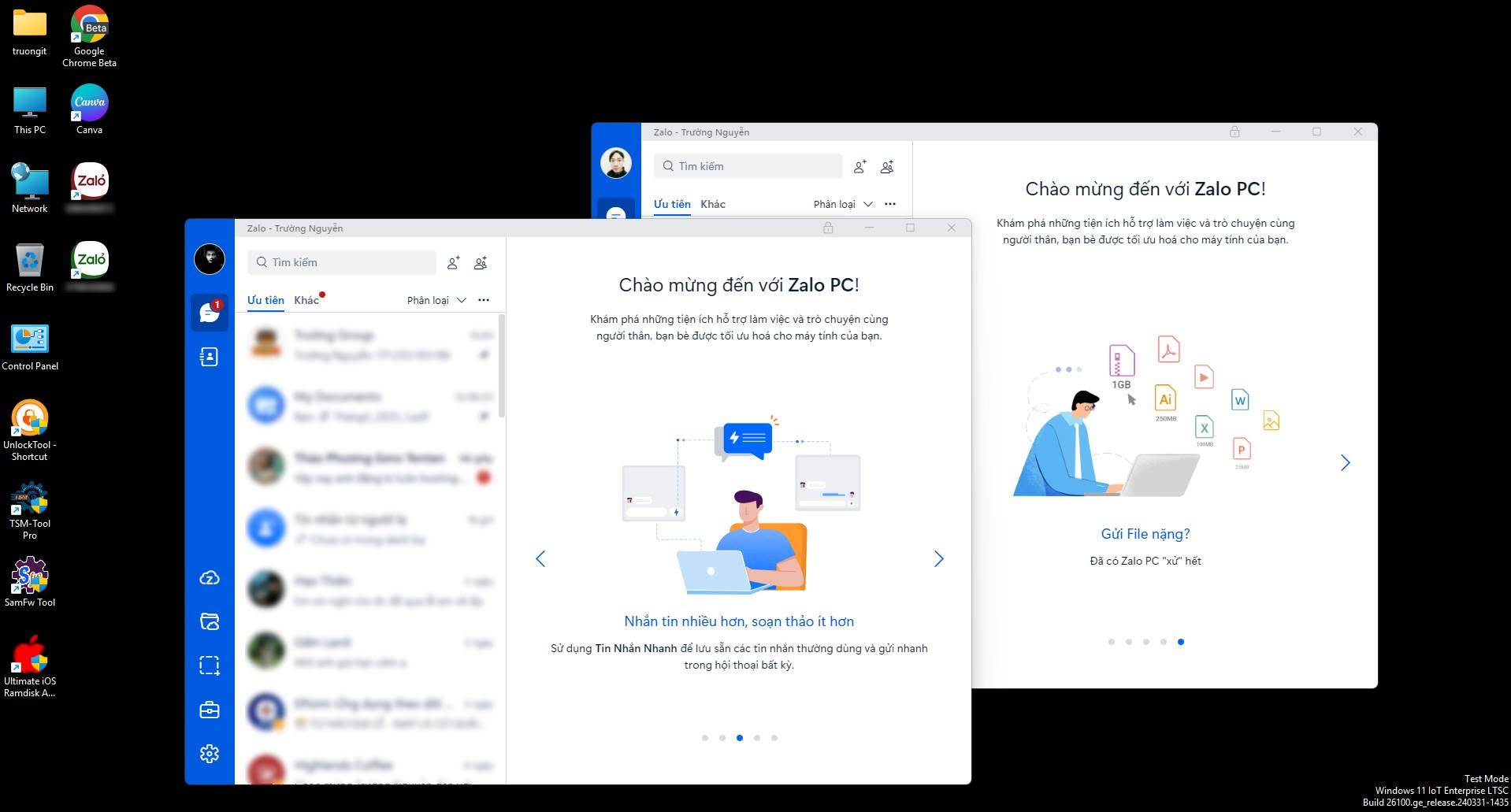
You may already know this, but I just found out, so I'm sharing it for anyone who doesn't — how to use multiple Zalo accounts on one computer. Just follow these steps:
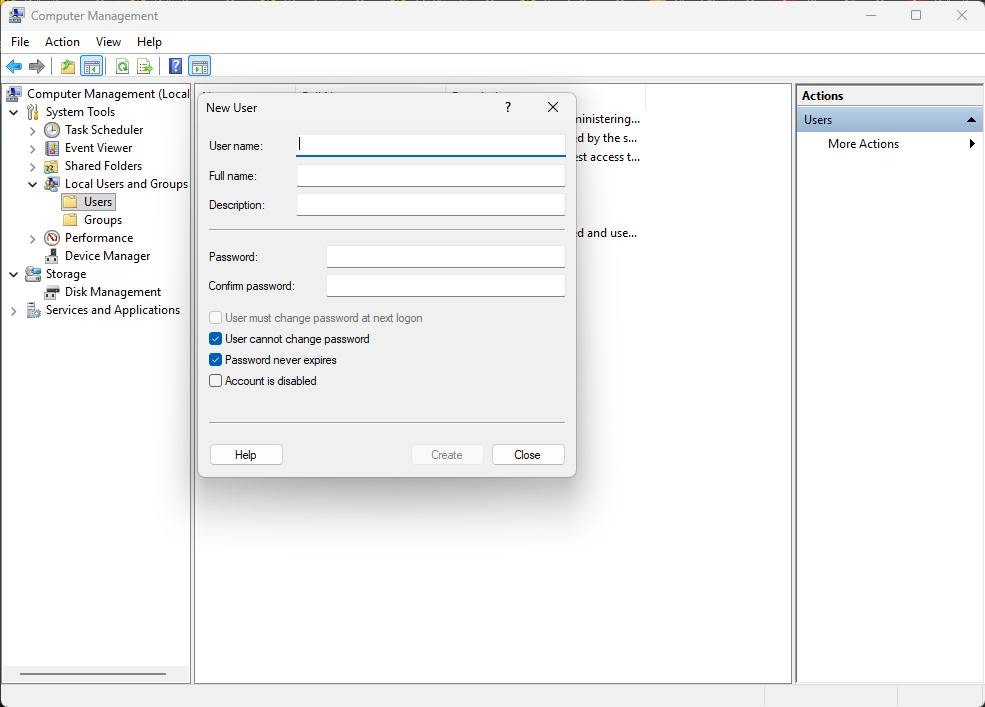
1. Right-click the Start button → open Computer Management → Local Users and Groups → Users, then right-click to create a new User here (mind the uppercase/lowercase and spaces).
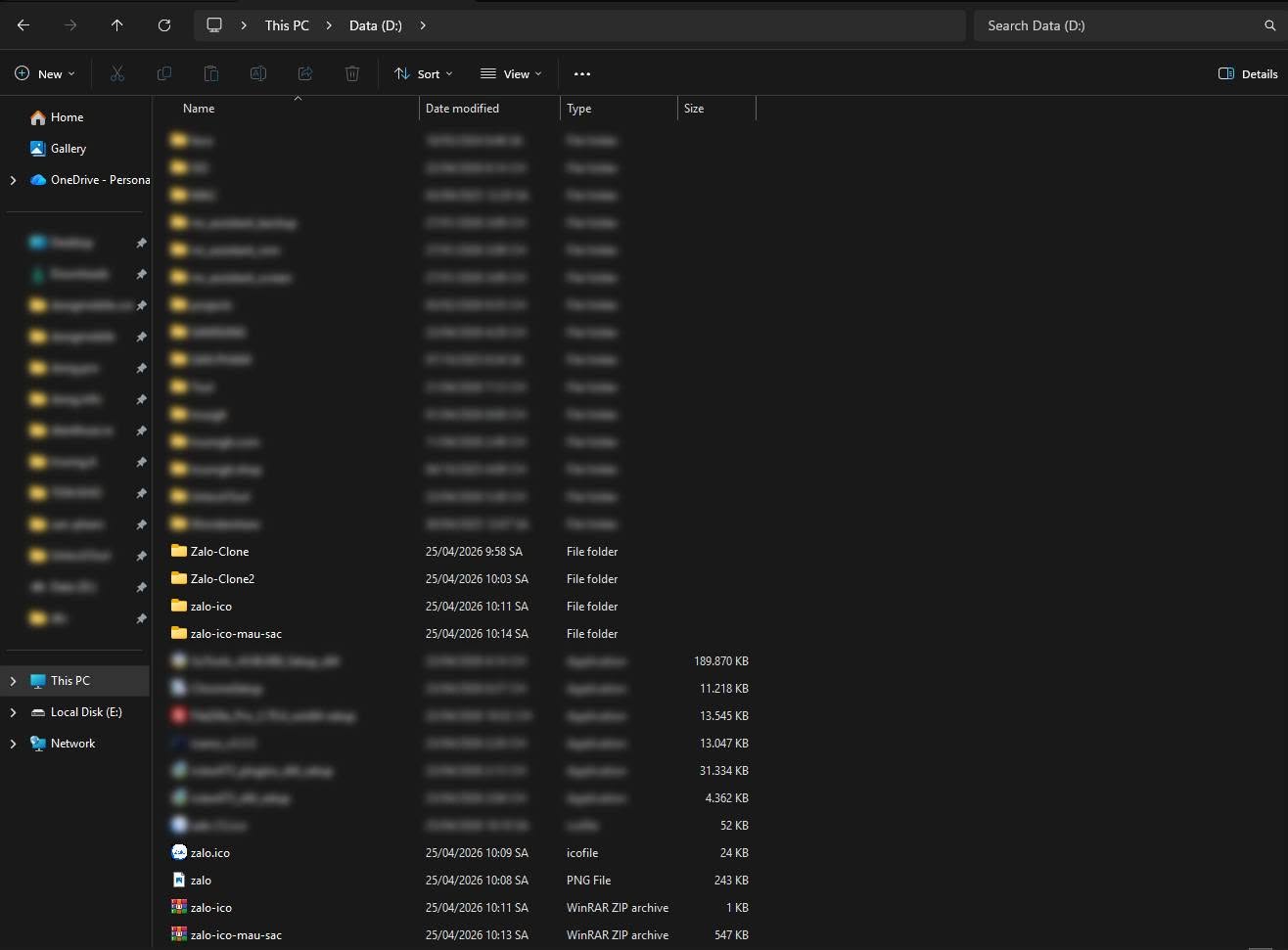
2. Copy the Zalo folder:
Copy-Item: C:\Users\your username (the main user, not the newly created one)\AppData\Local\Programs\Zalo" -Destination: D:\Zalo-Clone1" -Recurse -Force
Change Zalo-Clone1 to 2, 3, 4, 5, 6 as you like.
3. Create a Desktop shortcut:
Right-click Desktop → New → Shortcut.
Location line:
C:\Windows\System32\runas.exe /savecred /user:computer name\newly created username
D:\Zalo-Clone1\Zalo.exe"
Good luck!
Source: Nguyen Cong Truong (2) Facebook
Comments (0)
No comments yet. Be the first to share your thoughts!